Before following the below steps, you'll want to be sure three key tasks have already been completed.
1. Create the Client. See this article for more information
2. Request and receive the Payroll Input Data from your client in the proper format. See this article for more information.
3. Upload and map your payroll data. See this article for more information
1. Add Employee Eligibility Provisions
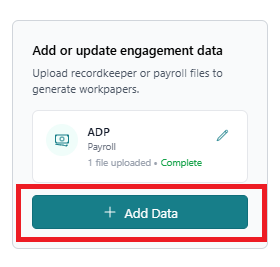
After mapping payroll data, return to the details page and select "Add Data."
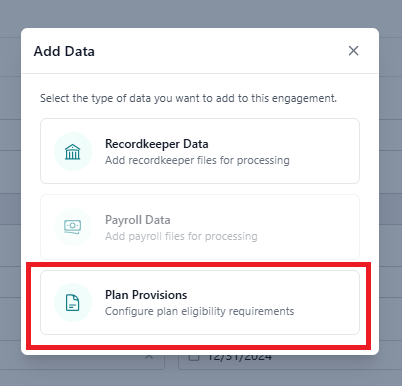
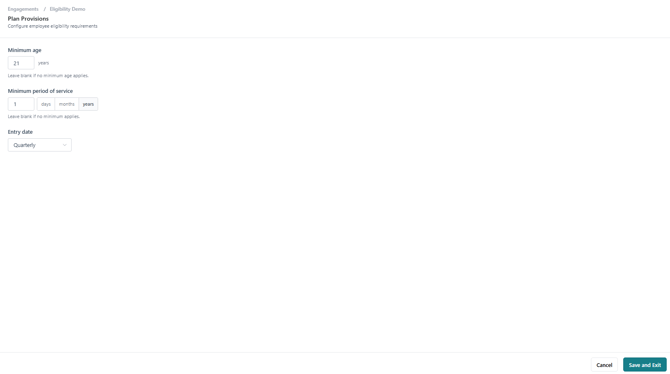
Select "Plan Provisions."
Enter eligibility provisions for employee contributions.
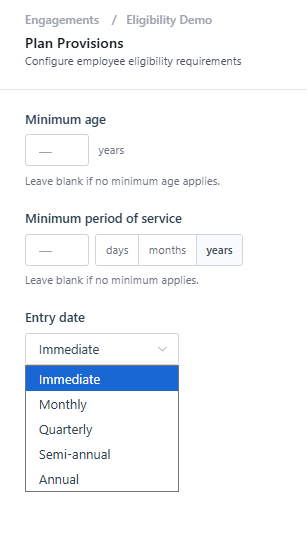
Once the provisions are entered, select "Save and Exit."
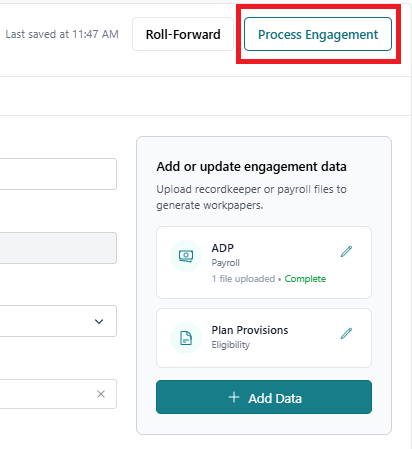
Select "Process Engagement."
2. Select Sample and View Results
Once the engagement has completed processing, navigate to the "Eligibility Sampling" tab.
Choose the sample and select "Regenerate workpaper."
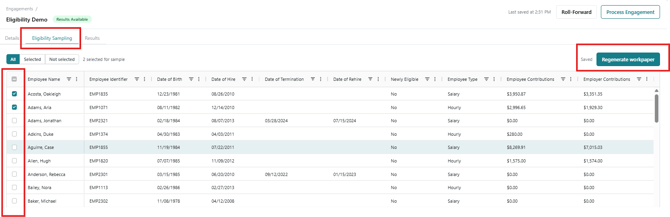
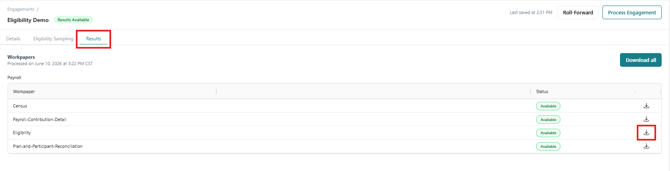
Navigate to the "Results" tab and click the download button.